
I had to overhaul my paperwork system recently. I built it more than seven years ago, and it had reached the point where I couldn’t add another page. The folders were so full, I was fighting every new thing to sort. Part of the fix was throwing out what was old. The rest was admitting that a system I set up once and rarely maintained was full.
That is the part that rarely gets said about household admin, the behind-the-scenes work of keeping bills, insurance, and records under control. Paperwork piles up when there is no designated place for it, or when the place you designated is full. It is a rotating to-do list, and it needs regular maintenance like anything else in the house.
I’m not talking about the school papers that come home in backpacks. I mean insurance renewals, or the tax bill that gets paid out of escrow but still leaves one piece of paper I need for my records. Here is how I handle it: a few small touch-points, not one big session.
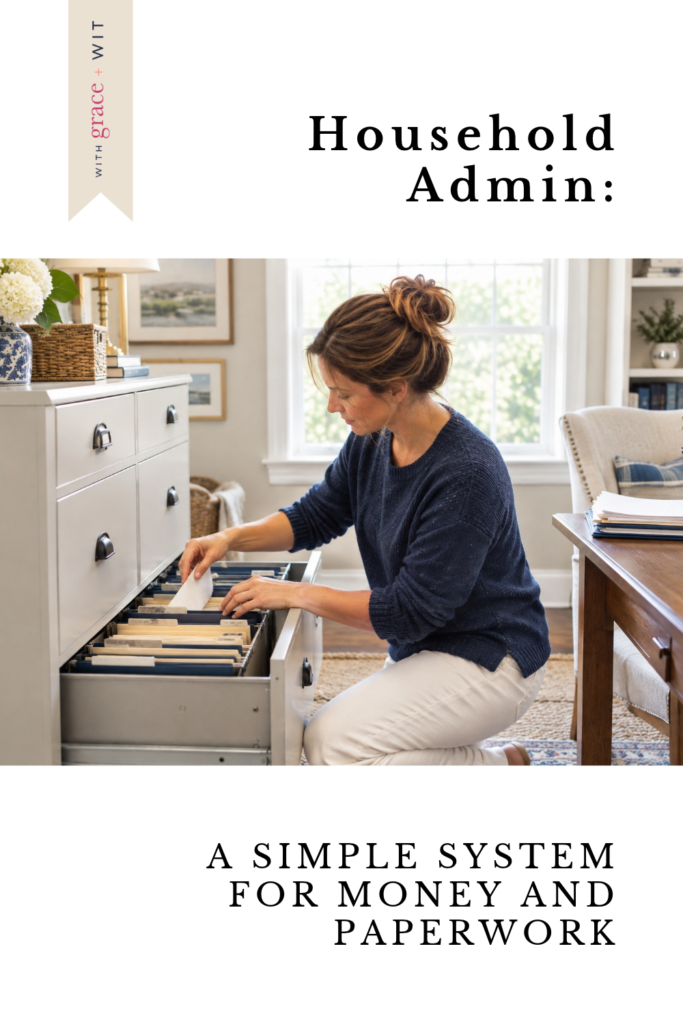
What Household Admin Includes
I think of household admin as four areas: (1) money coming in and going out, (2) the bills attached to it, (3) insurance, and (4) the records that back it all up. They overlap, but each one runs on its own clock. Money and bills are monthly. Insurance mostly shows up once a year. Records arrive whenever something lands in the mailbox. Once you see them as separate clocks, each one takes a few minutes instead of becoming one dreaded pile.
How Often Should I Look at Our Money?
The usual advice is to sit down once a month, look at what came in, what’s due, and how last month compared with the plan. That’s a good routine, and if you want the 30-minute version, here it is: the monthly money reset.
I do it differently. I look at our money every pay cycle, and then again every week to make sure everything is paid on time, even the bills on autopay. Text alerts from my bank make this easy. I know our autopays are going through as scheduled without logging in to check each one.
Because I check weekly, everything is confirmed a few days ahead. I’m always confirming three to five days before the 1st, when several of our bills are due. After that, I’m covered for the next couple of weeks of the pay cycle.
Autopay helps, but it isn’t a reason to stop looking. When you put a bill on autopay, check that the first payment went through, then let the bank alerts do the weekly watching.

How Do I Keep Track of All Our Household Bills?
Start with one list. For each bill, write down four things:
- The name of the bill
- The due date
- The amount
- How it’s paid
That is a basic household bills checklist, and it works in a notebook, a spreadsheet, or a budget book.
Mine is a monthly spreadsheet, but I still prefer to track things by hand. The spreadsheet is full of formulas, and it speeds things along. When I tally things up myself, that is when I understand where everything stands. It’s like a cash budget, where you no longer have technology telling you what you have or where to spend. It makes me take ownership of every cent.
A few years ago I was deep into tracking by hand, calendars included, and I picked up a budget book on Amazon. It had monthly budgets, and each budget spent down like a checkbook register. That running balance for each budget was the one thing I used most in the book. I understand digital budgets do this for you, but most budget books set a budget and then have you track the spending somewhere else. I like the one stop shop.
The next year I couldn’t find another one like it. Every book I looked at, online (and I searched everywhere) had dropped the running totals, and it looked like sellers had copied each other and cut the one feature that made the book useful.
Since I have a book-making background, I started designing my own. I even printed monthly signatures, but as time went on I never bound them. I also built it as a spreadsheet so I wouldn’t lose any information, and I still haven’t finished the printed version. I don’t know yet whether I’ll go back to paper or stay digital. Right now I’m testing whether AI can fill in the few formulas I haven’t had time to write.
In addition to my monthly budget and bill tracker, I keep a second bill list. This one is record keeping more than a monthly to-do. It lives in our accounts book, which is our in-case-of-emergency book, the one someone would need if they had to step in and run our household. It lists the utility companies we use, with account numbers and logins, and the same for our bank accounts and credit cards. It also notes which internet service we have, etc. I go over it once a year to make sure it still matches how we do things.
For more on the essentials bucket and due-date tips, see the realistic household budget for moms who hate tracking every dollar post.
How Often Should I Go Through the Mail and Bills?
Daily for the mail, a quick look each week at what’s coming due, and a monthly reset. One dedicated block of time rarely survives a house with kids in it, so I spread the work out.
I keep two places for what comes in: one for bills that need action, and one for paper I need to keep. Keeping them separate is what makes the daily part quick.
When mail comes in, I open it that day. Junk gets pitched, and so do the return envelopes of anything that I am keeping, since we do nearly everything online. Anything with a due date goes into my calendar so I can handle it when it comes up. Most of our bills don’t arrive by mail anymore. What does come is usually medical or a one-off bill.
The paper I keep does best when I deal with it the day it arrives. When the car renewal comes, I take care of it, throw out the old one, and put the new one in. Then I always know where it is. If I can’t deal with something right away, it goes into an inbox for long-term paper. Later I file everything from the inbox in one sitting, and most of it ends up in a notebook we keep for that purpose.
How Do I Know When Our Insurance Renews?
List each policy (home, auto, health, and life) with its renewal date on one page. That is an insurance renewal tracker, and it doesn’t need to be more than that.
Mine is an insurance page in our accounts book. A lot of those dates live in my head, but they are also written down there, and that’s the copy that matters if someone other than me has to look something up. I don’t worry much about a policy lapsing, because most of ours are on autopay and renew automatically unless we need to change something. The yearly life insurance notice that says we’re paid through a certain date is a good example. I read it, file it, and move on.
Renewals are the bills you can see coming but whose amounts can still change. For help seeing them ahead of time, try budgeting for real life it covers setting money aside for them.
What Household Paperwork Do I Need to Keep?
Sort it into three groups: toss, keep long term, and keep until it’s no longer active.
Toss the junk mail, the return envelopes you don’t need, and anything you can look up online. Keep long term the documents that prove something, such as the one page showing a tax bill that was paid out of escrow. For anything with a start and an end, like a policy or a warranty, keep the current version and throw out the one it replaced: new one in, old one out.
I have more than one spot for what I keep. Household paperwork goes in our accounts book, and medical information goes in a filing cabinet. Use as few spots as you can manage, and make each one easy to name. A folder or a box works as well as a notebook. If you’d like a backup, scan the important pages and save the files somewhere you can find them.
How long to hold on to each type varies, so I’d rather point you to a trusted guide than guess: Protecting your Personal Information: Which Documents to Keep and Which to Shred. It’s US guidance, so check what applies where you live.

A Quick Word on Taxes and Forms
For taxes, pick one spot where year-end documents land as they arrive. I don’t keep a formal folder, just a designated place for everything tax-related, so there’s no scramble when it’s time to file. Decide on that spot before the first form shows up.
Forms work the way bills do. School and medical forms go in the same needs-action spot as your bills, with the due date in your calendar. Once a form is handled, it leaves the pile.
Start With One List
If this feels like a lot, begin with one list: every bill you pay, with its due date. Then decide who has this information. Do you handle all of it? Do you and your husband both pay bills? Or are they split, some yours and some his?
Whichever it is, put the list where the other person can find it. A system that only one of you can follow works fine until the day that person isn’t available to run it. That’s why I keep a second list in our accounts book.
It’s also November, which means the holiday budget is about to land on top of everything else. I put together a note on that here: How to Create a Holiday Budget, Before the Spending Starts.
